How to run an event attendance report
Last Modified on 08/28/2026 1:06 pm EDT
If you do not see this option, you may not have access. Please email volunteer@hbanet.org for assistance.Ensure your affiliated chapter listed in your profile is associated with the chapter listed on the event. If you do not see a report at all, it is likely there are no registrants for the event hence an error might occur.If you believe this is an error, please try logging out and back in, use a different browser (e.g., Firefox, Chrome, Edge), and clear your cache and cookies before trying again.Please note the report may either display on your screen or download automatically—check your downloads folder.If accessing from a company computer, firewall settings may prevent access to this information.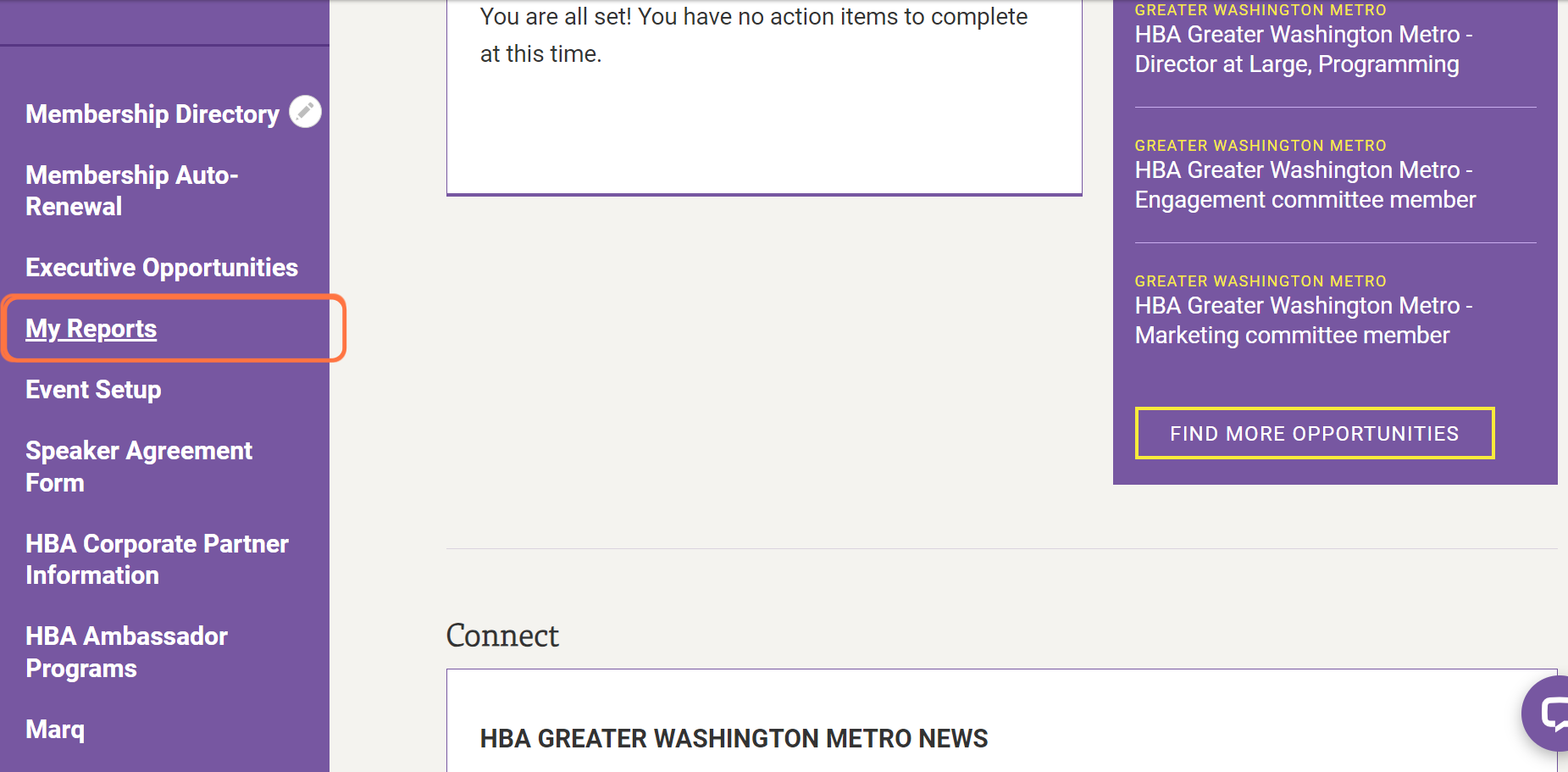
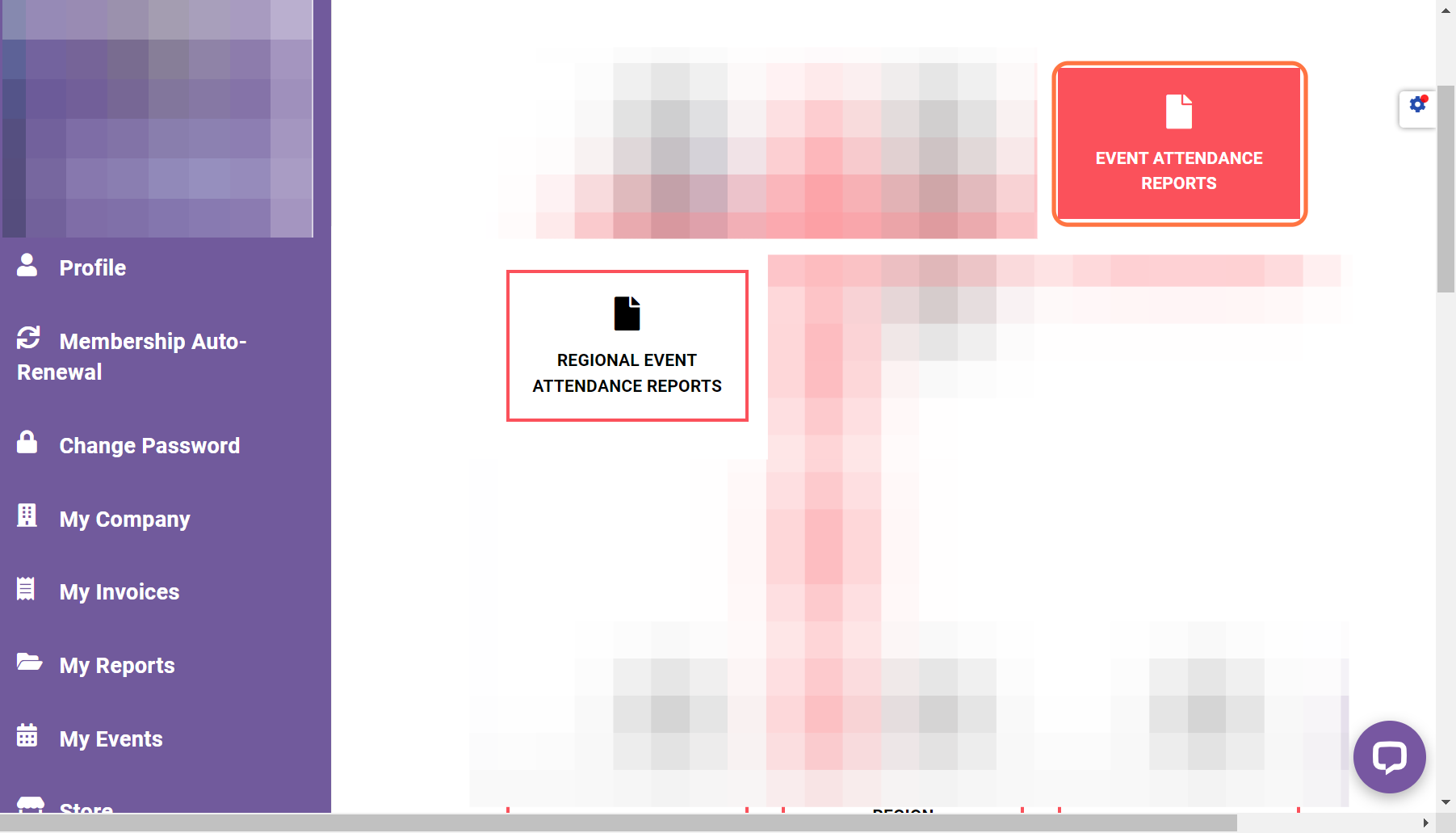
- Choose the type of report (chapter event attendance or regional event attendance)
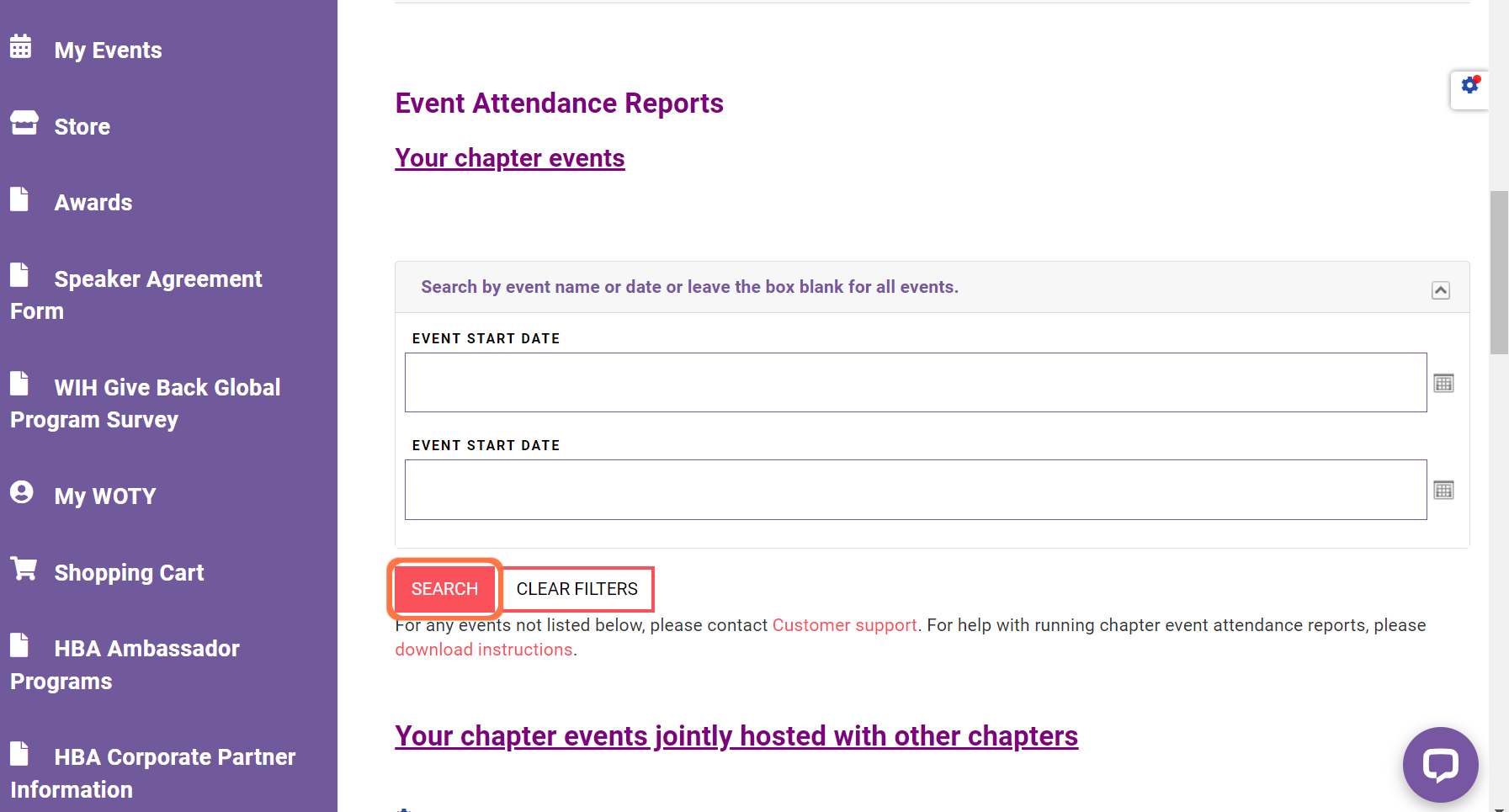
- The next screen you see will be a search screen. To find an individual registration report, scroll down to "Event attendance reports: your chapter events". You can search by event name, date, or leave all search fields blank and click "search" to populate a list of all events.
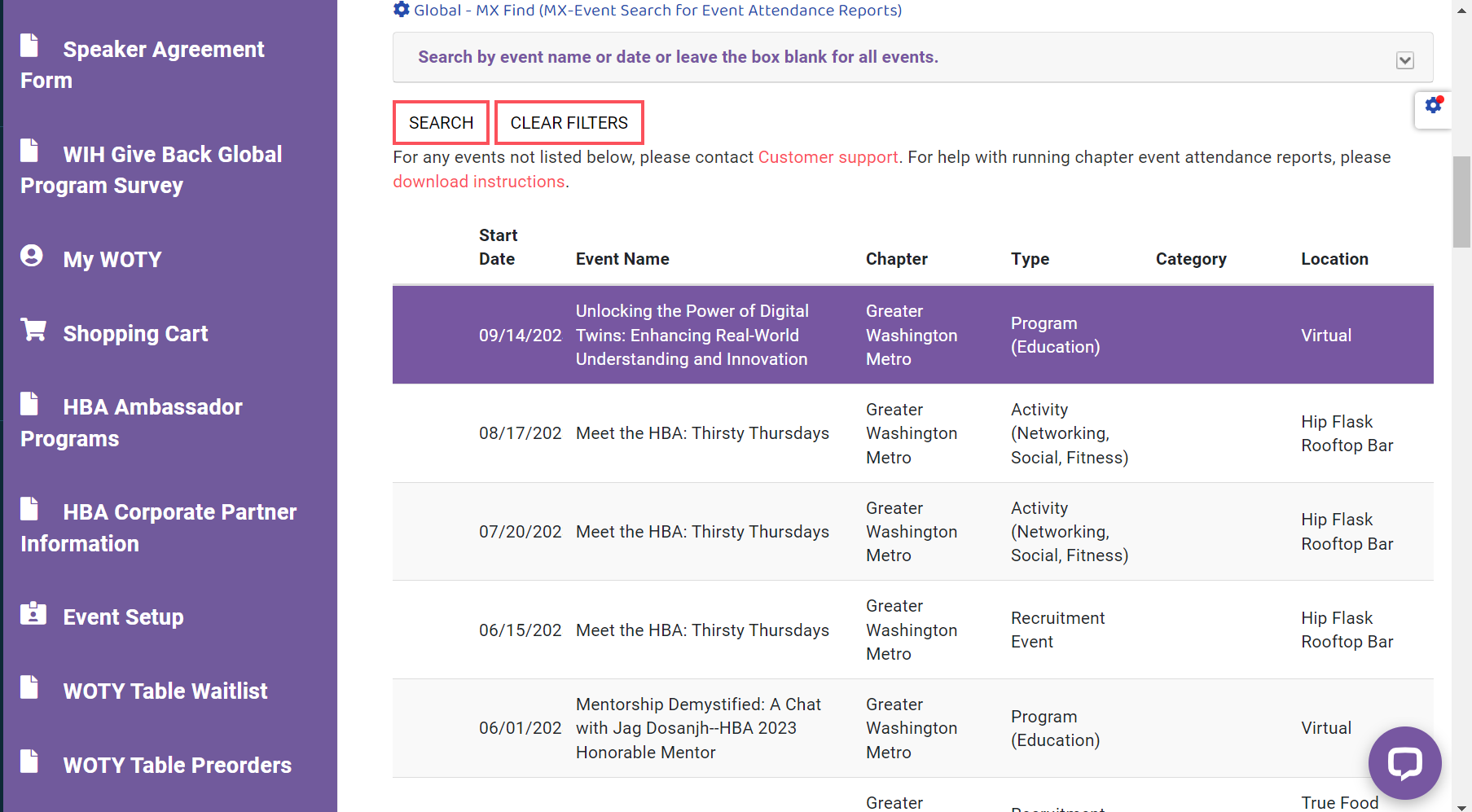
- Once you have found the desired event, click on the event’s name and it will pull up the real-time event attendance report and download directly to your device.